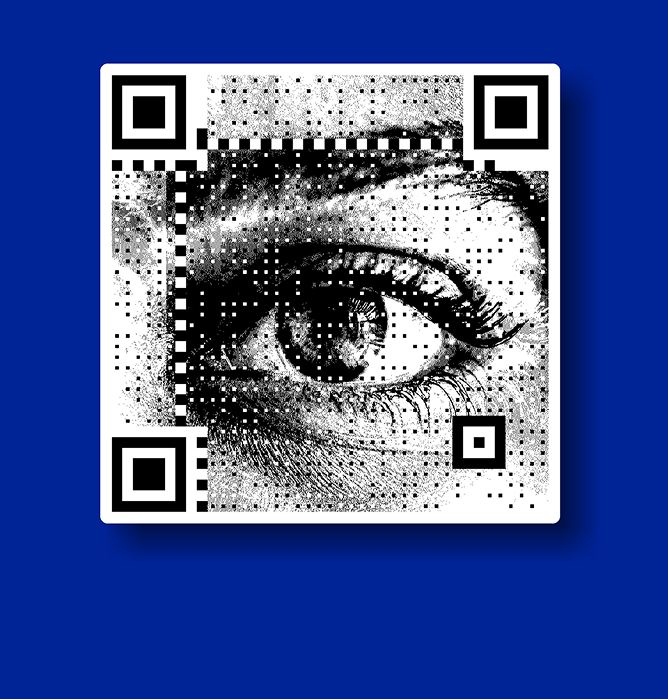
Create QR Code for Business Card
Create QR codes for business cards to instantly share contact details, websites, portfolios, or professional profiles without crowding your card design.
A QR code on a business card helps extend limited physical space into a digital experience, making it easier for people to access more information with a simple scan.
What Is a QR Code for a Business Card?
A business card QR code is a scannable code on a business card that links to digital content, such as a website, contact page, portfolio, or profile.
Instead of limiting information to printed text, QR codes enable recipients to access richer, up-to-date content instantly.
As networking becomes more digital-first, QR codes are increasingly standard on modern business cards.
Why Add a QR Code to a Business Card?
Adding a QR code to a business card makes it easier to share complete, up-to-date information instantly with a simple scan.
- Shares contact details instantly
- Links to websites or social profiles
- Reduces clutter on the card
- Improves networking efficiency
- Creates a modern, professional impression
Can You Create a QR Code for a Business Card for Free?
Many professionals start by creating QR codes for business cards at no cost, especially during early networking or small print runs.
Free tools are useful for testing layouts, deciding placement, and seeing how recipients interact with the QR code.
This flexibility allows experimentation before scaling usage or printing in bulk.
What Can a Business Card QR Code Link To?
A business card QR code can connect people to multiple types of information, such as:
- A personal or company website
- A digital contact or vCard page
- A portfolio, LinkedIn, or professional profile
- Appointment booking pages or payment links
This allows a single card to open access to an entire professional presence.
Where Business Card QR Codes Are Commonly Used
QR codes on business cards are widely used across:
- Corporate and startup visiting cards
- Freelancers, consultants, and creators
- Conferences, events, and networking sessions
- Sales teams and field professionals
They are especially useful in fast-moving, high-interaction environments.
Business Card QR Codes and Professional Branding
With QRKY, business card QR codes help professionals maintain a strong, consistent brand while sharing contact details digitally.
- Customize QR codes with brand colors and logos
- Match QR design with your card layout
- Link to digital business cards or profiles
- Keep information updated without reprinting
- Present a modern and professional image
Business Card QR Codes vs Traditional Contact Details
Business card QR codes created with QRKY offer a smarter way to share contact information compared to traditional printed details. A quick scan can open a digital business card, website, or professional profile instantly.
Traditional contact details require manual typing, take up more space on the card, and cannot be updated once printed. This often leads to outdated or incomplete information being shared.
With QRKY, business card QR codes keep designs clean, information up to date, and networking effortless, helping professionals present a modern and polished brand image.
Best Practices for QR Codes on Business Cards
To ensure effective usage:
- Keep the QR code clear and easy to scan
- Place it where it complements the design, not crowds it
- Always test scans before printing large quantities
These practices help maintain professionalism and reliability.
Create a QR Code for Your Business Card
Create QR codes that make your business card more useful and interactive.
Simple to create, easy to share, and designed to work seamlessly across print and digital formats.
Latest Blogs on QR Codes for Business Cards
As networking and professional interactions evolve, QR codes are becoming a core part of how business cards work. These articles explore best practices, real-world usage, and modern trends around QR-enabled visiting cards.
FAQs
How do I create a QR code for a business card?
You can create one by selecting the information you want to share, generating a QR code, and placing it on your card design. The process is simple and quick.
What should a business card QR code link to?
It can link to a website, digital contact page, portfolio, LinkedIn profile, or booking link depending on your professional needs.
Can I create a QR code for a visiting card for free?
Yes, many professionals start with free QR code creation to test layouts and small batches before scaling.
Are QR codes suitable for printed business cards?
Yes, as long as they are properly sized, tested, and printed with sufficient contrast.
Do QR codes work on both physical and digital business cards?
They work on both formats, making them versatile for print, PDFs, and mobile sharing.
Will QR codes clutter my business card design?
When placed thoughtfully, QR codes enhance functionality without overwhelming the design.
Can I update the information linked to my QR code later?
This depends on the type of QR code used, but many allow updates without changing the printed card.
Are business card QR codes professional?
Yes. They are widely accepted and increasingly expected in modern professional settings.
Do people actually scan QR codes on business cards?
Yes, especially when the QR code clearly adds value by linking to useful information.
Are QR codes safe to use on business cards?
When created responsibly and linked to trusted destinations, QR codes are safe and reliable.